

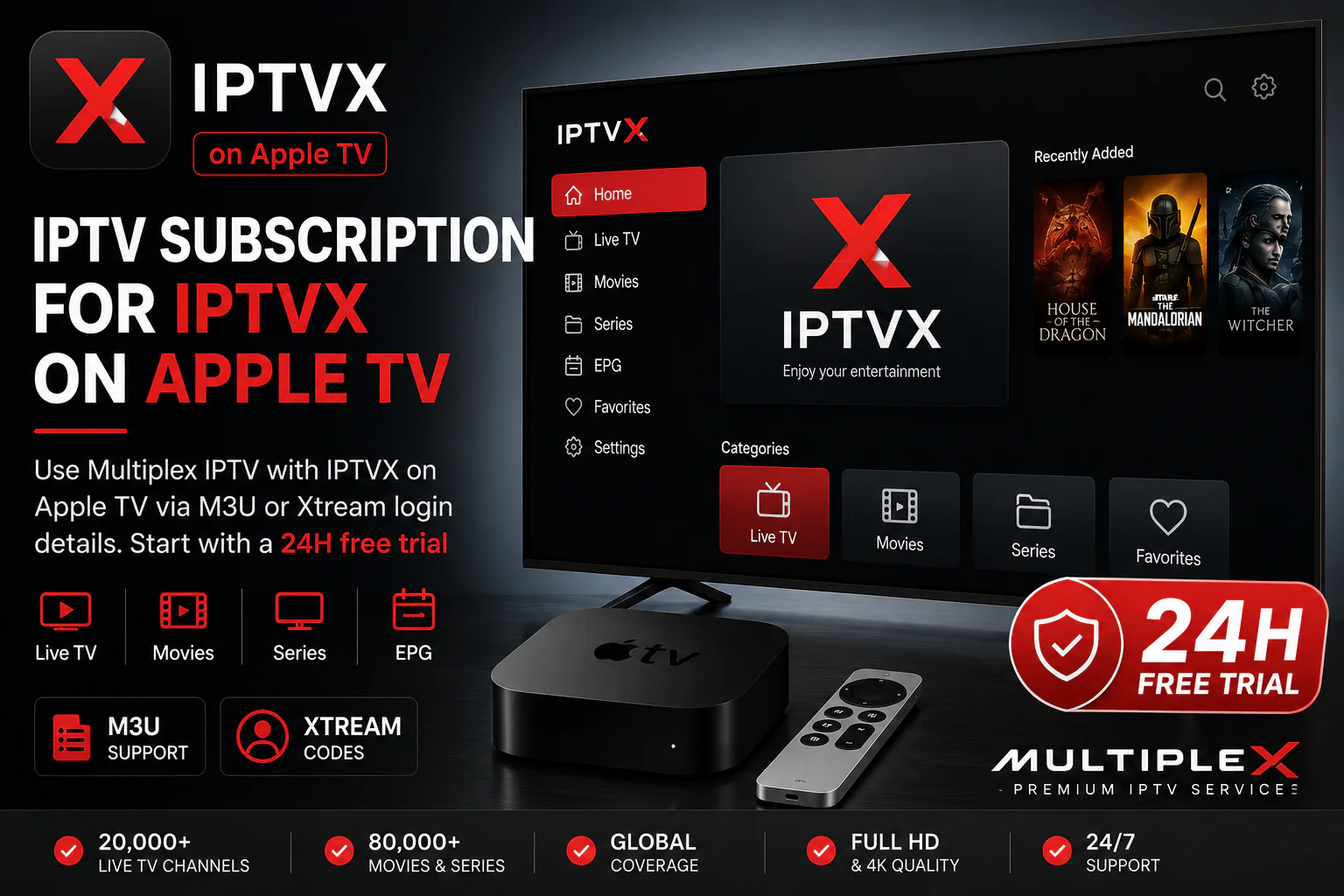


IPTV Subscription for IPTVX on Apple TV
Use Multiplex IPTV with IPTVX on Apple TV through compatible M3U or Xtream login details. Start with a 24-hour free trial, test the service on your own IPTVX setup, and choose a subscription only when you are ready.
Does Multiplex IPTV Work With IPTVX?
Yes. If you use IPTVX on Apple TV, you can connect a compatible IPTV service using supported login methods such as M3U playlists or Xtream-style credentials. Multiplex IPTV can provide the service access details; IPTVX remains the independent player you use to load and watch that content.
Built for Users Who Already Chose IPTVX
If IPTVX is already installed on your Apple TV, you do not need another player. What you need is compatible IPTV access that you can add to IPTVX and test on your own device.
M3U Playlist Access
Use a compatible M3U playlist URL when you prefer playlist-based login inside IPTVX.
Xtream Login Details
Compatible subscriptions can also be used with server URL, username and password details where supported by IPTVX.
Test Before Subscribing
Start with a 24-hour trial and check the service directly through IPTVX on your Apple TV before choosing a longer plan.
Already Have IPTVX? Start With the Service.
This page is for Apple TV users who already use IPTVX, or have chosen IPTVX as their preferred player, and now need IPTV access that can be added using a compatible login method.
Already installed IPTVX? You can keep using it as your Apple TV player.
Need IPTV credentials? Choose a Multiplex trial or subscription.
Not sure about compatibility? Test the service for 24 hours first.
Need help with IPTVX itself? We also have a dedicated IPTVX review and setup resources.
How to Use a Multiplex IPTV Subscription With IPTVX
The service and the player are separate. IPTVX provides the interface, while your Multiplex subscription provides the compatible IPTV access details.
Request a Trial or Choose a Plan
Start with the 24-hour free trial if you want to test compatibility before purchasing.
Receive Your Login Details
You receive the compatible service information needed to connect your IPTV subscription.
Add the Details to IPTVX
Add the compatible M3U or Xtream login inside IPTVX on your Apple TV.
Test Your Apple TV Setup
Open your preferred channels and content and confirm that the service works the way you expect.
Want to Learn More About IPTVX First?
Read our dedicated IPTVX review, compare it with other Apple TV IPTV players, follow the Apple TV installation guide, or visit the official IPTVX website.
IPTV Subscription for IPTVX FAQs
Can I use an IPTV subscription with IPTVX on Apple TV?
Yes. IPTVX can work with compatible IPTV access methods such as M3U playlists or Xtream-style login details. The player and IPTV subscription are separate products.
Does Multiplex IPTV include the IPTVX app?
No. IPTVX is an independent third-party IPTV player. You install and manage IPTVX separately, while Multiplex provides the IPTV service access.
Can I test Multiplex IPTV with IPTVX before buying?
Yes. You can request a 24-hour free trial and test the service directly through IPTVX on your Apple TV before choosing a paid subscription.
Should I use M3U or Xtream with IPTVX?
Both can be useful depending on the login details available to you and the IPTVX version you use. If you are unsure, our support team can help you identify the appropriate compatible login method.
What if I do not have IPTVX yet?
You can compare IPTVX with other compatible Apple TV IPTV players on our Apple TV apps comparison page before choosing the player you want to use.
Is IPTVX the IPTV provider?
No. IPTVX is a media player. An IPTV service is separate and provides the compatible login or playlist details that you add to the player.
Test Your IPTV Subscription With IPTVX for 24 Hours
Already using IPTVX? Start a free trial and test Multiplex IPTV directly on your Apple TV before choosing a longer subscription.
IPTVX is an independent third-party IPTV player. Multiplex IPTV is not affiliated with, endorsed by, or part of IPTVX. App availability and supported login methods may change over time.