

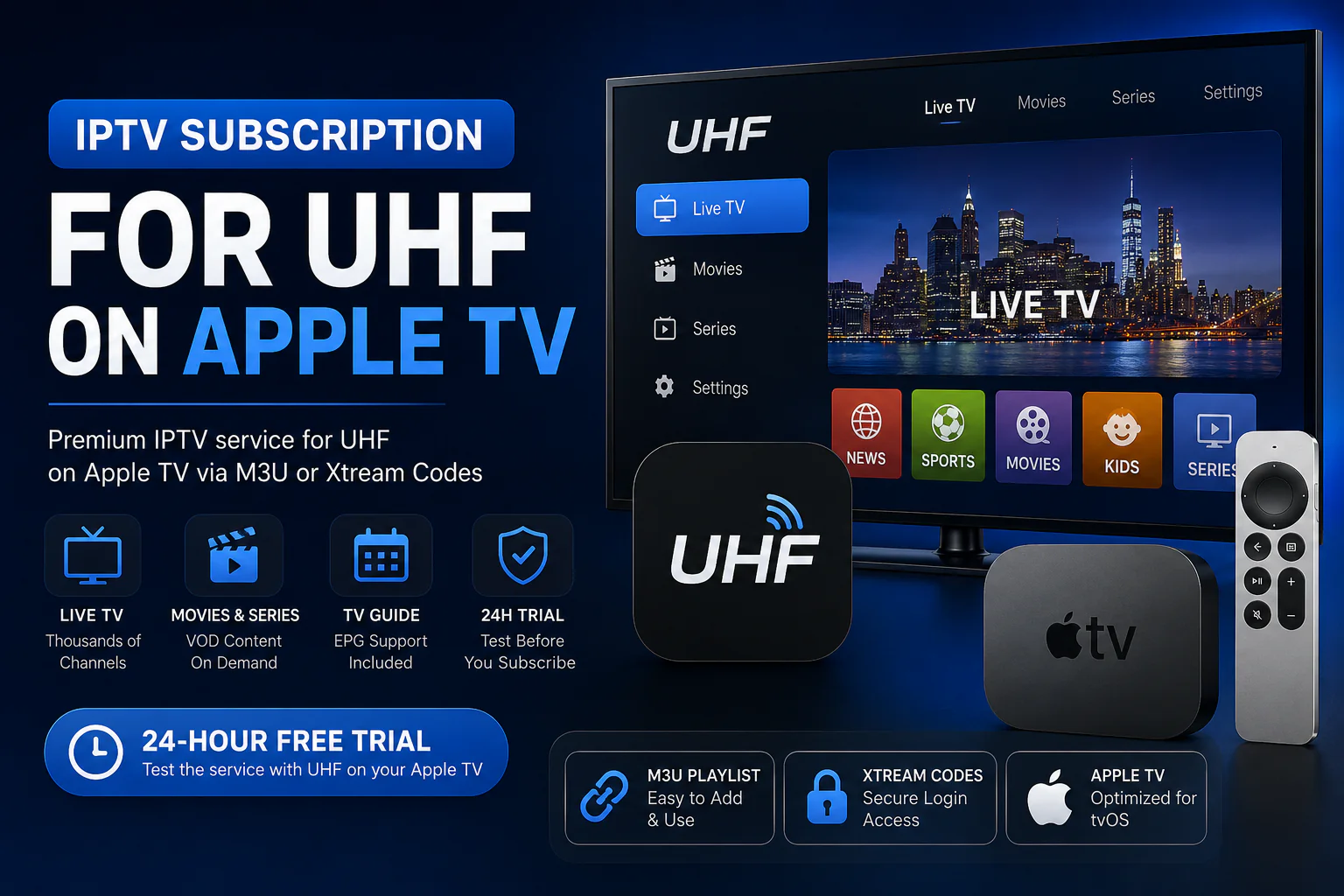

IPTV Subscription for UHF on Apple TV
Looking for an IPTV subscription for UHF on Apple TV? Multiplex IPTV provides compatible service access that you can connect to UHF using supported M3U or Xtream Codes login details.
Start with a 24-hour free trial, test the service inside UHF on your own Apple TV, and choose a subscription only when you are satisfied with your experience.
Start with a free trial before choosing a paid subscription.
Does an IPTV Subscription for UHF on Apple TV Work With Multiplex?
Yes. UHF is an independent IPTV player, while Multiplex IPTV provides the service access you add to the player. A compatible IPTV subscription for UHF on Apple TV can be connected using supported M3U or Xtream Codes login details.
UHF Is the Player. Your IPTV Subscription Provides the Service.
You do not need to replace UHF when choosing an IPTV provider. The app and your IPTV subscription perform two different roles in your Apple TV setup.
UHF on Apple TV
UHF provides the interface you use on Apple TV to organize and access IPTV content from a compatible service.
- Installed separately
- Runs on your Apple TV
- Accepts compatible IPTV login methods
Multiplex IPTV Subscription
Your Multiplex subscription provides the IPTV access details that you connect to your compatible UHF player.
- Subscription access
- M3U or compatible Xtream credentials
- 24-hour trial available before purchasing
What You Get With an IPTV Subscription for UHF on Apple TV
If UHF is already your preferred Apple TV player, your next step is choosing compatible IPTV service access that can be connected to the app.
Live TV Access
Access available live television categories through your connected IPTV service.
Movies & Series
Browse available on-demand movies and series through a compatible UHF setup.
TV Guide Data
Compatible EPG information can help organize supported live channels inside your player.
24-Hour Free Trial
Test the service with UHF on your Apple TV before committing to a longer subscription.
Connect Your UHF IPTV Subscription Using M3U or Xtream Codes
Depending on the access provided for your subscription and the options available in UHF, your service can be connected using a compatible playlist or account-based login method.
Need setup help? View our Apple TV guide →M3U Playlist for UHF
Add a compatible playlist URL to UHF when using M3U-based IPTV access.
Xtream Codes for UHF
Use compatible server URL, username and password credentials when supported by your UHF setup.
Test Your IPTV Subscription for UHF on Apple TV First
The easiest way to know whether an IPTV service fits your Apple TV setup is to test it in the UHF player you actually plan to use.
Check that your service login loads correctly inside UHF.
Browse the available content that matters to you.
Test playback on your own Apple TV and internet connection.
Choose a longer subscription only after completing your trial.
Start With a UHF Free Trial or Choose an IPTV Subscription
New to Multiplex IPTV? Test it with UHF first. Already ready to subscribe? Compare the available subscription durations and connection options.
24-Hour Free Trial for UHF
Recommended if this is your first time using Multiplex IPTV with UHF on Apple TV.
IPTV Subscription for Apple TV
Already know what you need? Compare available subscription durations and connection options.
View IPTV Plans →Still Choosing Your Apple TV IPTV Setup?
Compare compatible players, review your options, or read our Apple TV installation guide before starting your subscription.
IPTV Subscription for UHF on Apple TV FAQs
Can I use an IPTV subscription for UHF on Apple TV?
Yes. UHF is an IPTV player that can be used with compatible IPTV service access. Your subscription and the UHF app remain separate.
Is UHF included with a Multiplex IPTV subscription?
No. UHF is an independent third-party player. Multiplex IPTV provides the IPTV service access, not the UHF application itself.
Can I test Multiplex IPTV with UHF before buying?
Yes. You can request a 24-hour free trial and use the provided compatible access details to test the service directly with UHF on Apple TV.
Does UHF work with M3U playlists?
UHF supports compatible playlist-based IPTV configurations. Available options can depend on the current version of the app.
Can I use Xtream Codes with UHF?
Where supported by your current UHF version, compatible Xtream-style credentials can be used to connect your IPTV service.
What if I have not chosen an Apple TV IPTV app yet?
Visit our Apple TV IPTV app comparison to compare UHF, IPTVX, Tivimax, IBO Player and other compatible player options.
Ready to Test an IPTV Subscription for UHF on Apple TV?
Request a 24-hour trial, connect the compatible access details to UHF, and test Multiplex IPTV on your own Apple TV before choosing a longer subscription.
UHF is an independent third-party IPTV player. Multiplex IPTV is not affiliated with or endorsed by UHF. App availability, features and supported login methods may change over time.