

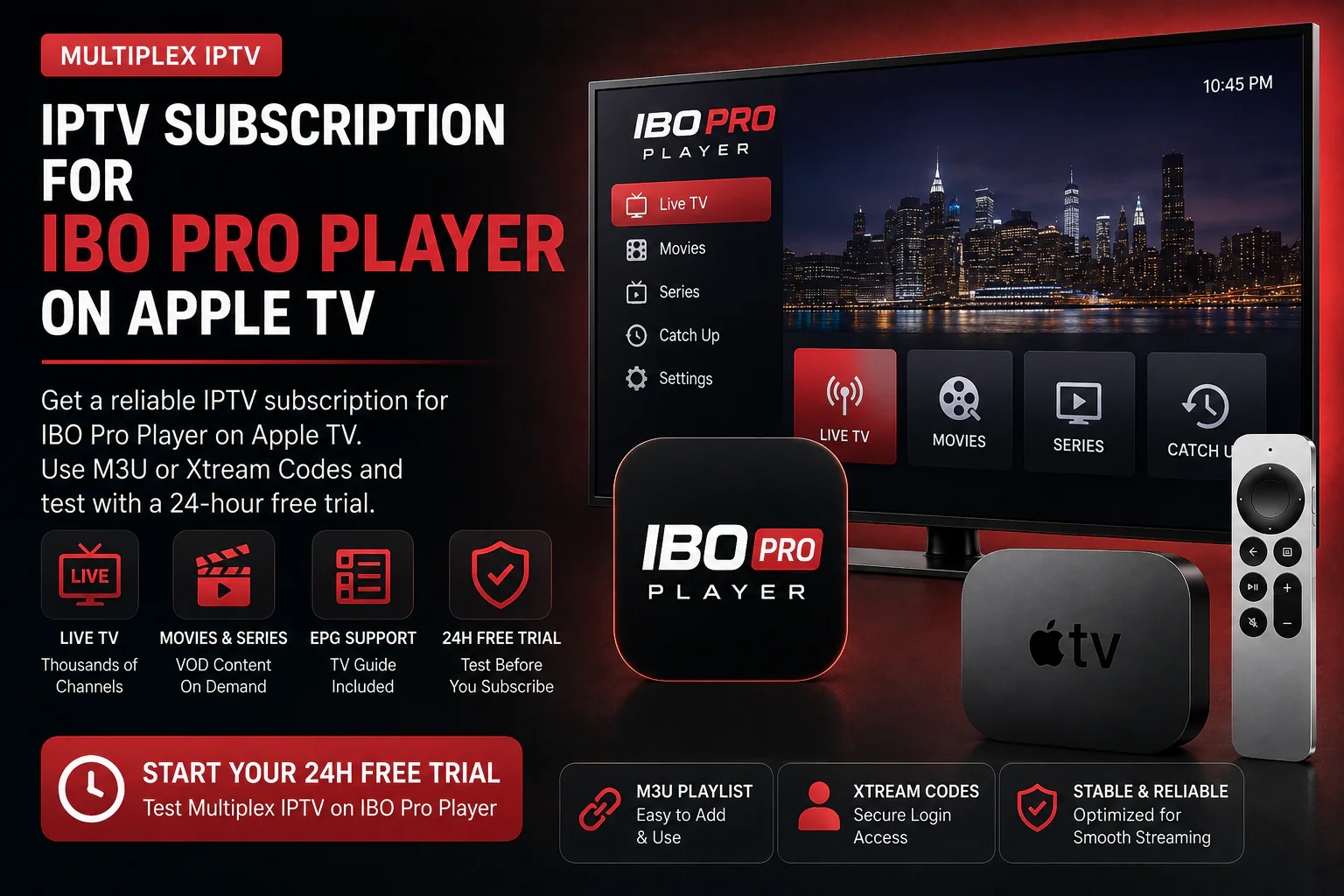

IPTV Subscription for IBO Pro Player on Apple TV
Looking for an IPTV subscription for IBO Pro Player on Apple TV? Multiplex IPTV provides compatible service access that can be used with supported M3U or Xtream login details.
Start with a 24-hour free trial, test the service with your IBO Pro Player setup, and choose a longer subscription only when you are ready.
Test your compatible service access before choosing a longer subscription.
Can You Use a Multiplex IPTV Subscription With IBO Pro Player?
Yes. IBO Pro Player is an independent IPTV player, while Multiplex IPTV provides the service access. A compatible IPTV subscription for IBO Pro Player on Apple TV can be connected using supported playlist or account-based login methods.
IBO Pro Player Handles the Interface. Multiplex Provides the IPTV Access.
The app and the IPTV subscription are separate. If you already use IBO Pro Player on Apple TV, you only need compatible IPTV access to connect your service.
IBO Pro Player
The player gives you the Apple TV interface used to load and browse IPTV content from a compatible provider.
Your Login Details
Your IPTV access can be added using a compatible M3U playlist or Xtream-style credentials where supported.
Multiplex IPTV
Multiplex provides the IPTV service access that you connect to your IBO Pro Player setup.
What You Need for an IPTV Subscription for IBO Pro Player on Apple TV
If the player is already installed, the remaining step is simply getting compatible IPTV access and adding it to your IBO Pro Player setup.
Apple TV with IBO Pro Player installed.
Compatible IPTV access from your selected Multiplex trial or plan.
M3U or Xtream details depending on the supported login method.
A stable internet connection for your Apple TV streaming setup.
Use Your IBO Pro Player IPTV Subscription With M3U or Xtream
Your exact login method depends on the compatible access provided and the options available in your current IBO Pro Player version.
M3U Playlist Access
Use a compatible playlist URL when your IBO Pro Player setup accepts M3U-based access.
Xtream Login Details
Use compatible server URL, username and password credentials where supported.
Need help identifying the right login method for your Apple TV setup?
View Apple TV Installation Guide →What Your IPTV Subscription Provides
IBO Pro Player is only the player. Your IPTV subscription provides the compatible service access loaded inside the app.
Live TV
Browse available live television categories from your connected IPTV service.
Movies
Access available on-demand movie content through your compatible player setup.
Series
Browse available television series and episodes through the connected service.
TV Guide
Compatible EPG data can help organize supported live programming inside the player.
Try Your IPTV Subscription for IBO Pro Player on Apple TV for 24 Hours
Test Multiplex IPTV using the same Apple TV and IBO Pro Player setup you plan to use after subscribing.
Confirm your compatible login works with your IBO Pro Player setup.
Check the available channels and content relevant to you.
Test playback using your own Apple TV and internet connection.
Choose your preferred subscription duration after testing the service.
Start With a Free Trial or Choose Your IBO Pro Player IPTV Subscription
Try It for 24 Hours
Test Multiplex IPTV with IBO Pro Player before choosing a paid subscription.
Choose Your IPTV Plan
Compare available subscription durations and connection options.
View Subscription Plans →Need More Help With Your Apple TV IPTV Setup?
Compare Apple TV players, read the installation guide, or learn more about alternative player options before choosing your service.
IPTV Subscription for IBO Pro Player on Apple TV FAQs
Can I use an IPTV subscription with IBO Pro Player on Apple TV?
Yes. IBO Pro Player can be used as an independent IPTV player with compatible service access provided separately.
Does Multiplex IPTV include IBO Pro Player?
No. IBO Pro Player is an independent third-party application. Multiplex provides IPTV service access, not the player itself.
Can I test Multiplex IPTV with IBO Pro Player first?
Yes. Request a 24-hour free trial and test the compatible access using your existing IBO Pro Player setup.
Can I use M3U with IBO Pro Player?
Compatible M3U playlist access can be used where supported by your current IBO Pro Player setup.
Can I use Xtream Codes with IBO Pro Player?
Compatible Xtream-style credentials may be used where supported by the current player version and configuration.
What if I do not have IBO Pro Player yet?
Visit our Apple TV IPTV app comparison to compare IBO Pro Player with IPTVX, UHF, Tivimax and other compatible options.
Ready to Test an IPTV Subscription for IBO Pro Player on Apple TV?
Start with a 24-hour free trial and test your compatible IPTV access on your own Apple TV before choosing a longer subscription.
IBO Pro Player is an independent third-party IPTV player. Multiplex IPTV is not affiliated with or endorsed by IBO Pro Player. App availability, supported login methods and app features may change over time.